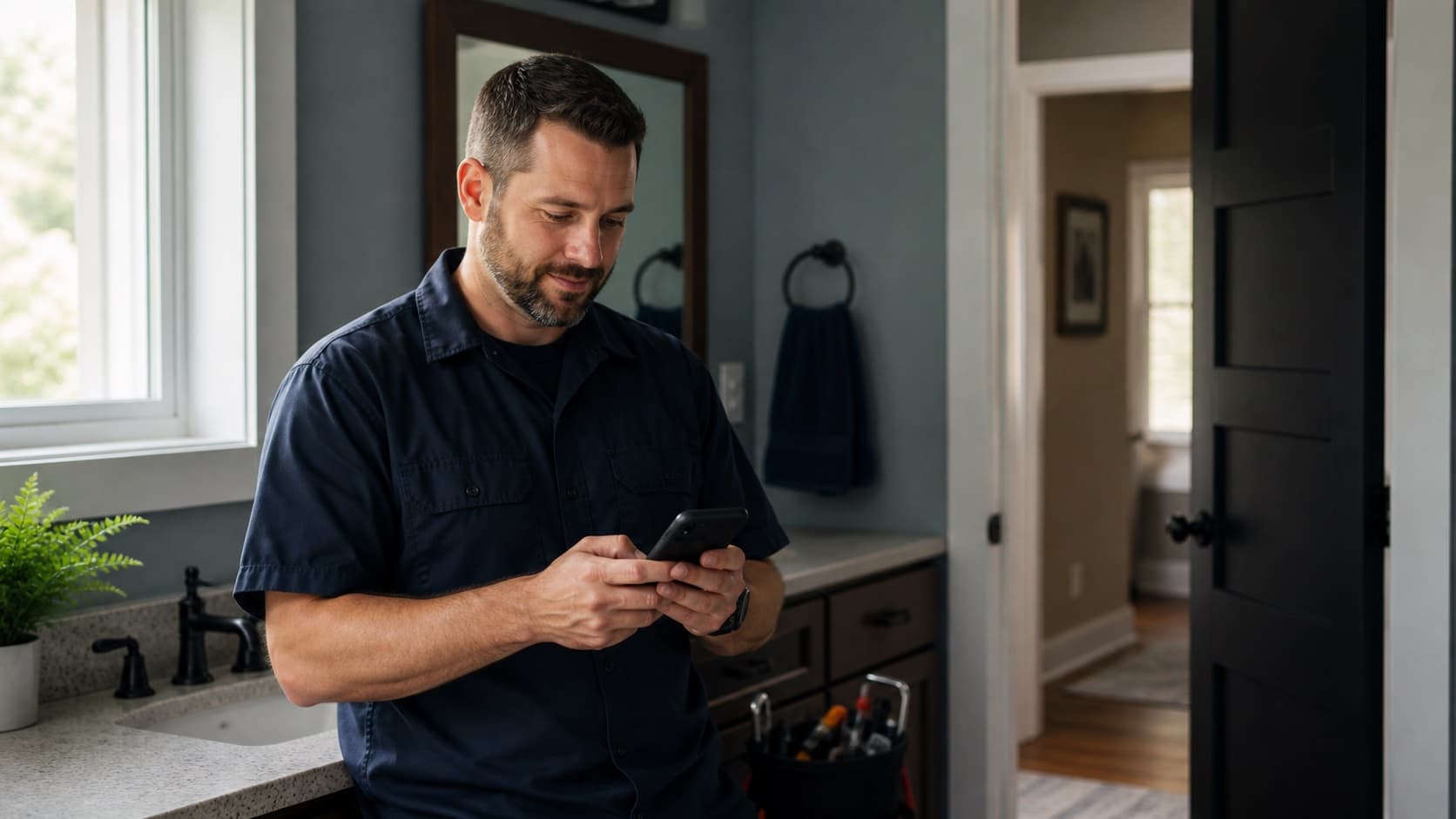
A customer tells you the job looks good. You thank them, pack up, and move on to the next thing. Three days later, you remember that you meant to ask for a Google review.
By then, the moment has passed. The customer is back at work, dealing with dinner, or thinking about something else. They may still be happy with the job. Leaving a review is no longer at the top of their list.
This is why good businesses can have fewer reviews than weaker competitors. The problem is often not the work. Nobody made the ask easy or timely.
You do not need a clever speech. You need one natural moment, a direct link, and a short message you can use every time.
Ask when the customer can see the result
The best time to ask is after the work is complete and the customer has had a chance to see it. For a contractor, that may be the final walkthrough. For a dentist or clinic, it may be after the appointment. For a shop, it may be when the customer picks up the finished product.
Do not ask before the customer has received what they paid for. The request feels premature, and they do not have a full experience to describe yet.
Do not wait a week unless the service needs time to prove itself. Most owners get busy and forget. Customers do too.
Pick the moment now. Write it into the normal closeout process so the request does not depend on memory.
The person who owns the relationship should ask
The request works best when it comes from the person the customer knows. That could be the owner, technician, project manager, front desk employee, or salesperson who handled the work.
A generic message from an unfamiliar inbox feels automated even when a real person sent it. Use the name the customer already recognizes.
The handoff can be simple. The person finishing the job says:
I'll send you a short Google review link. If you have a minute, an honest review helps people know what to expect from us.
Then send the link while the conversation is still fresh.
Use Google's direct review link
Do not make the customer search for your business, find the correct profile, and figure out where to leave a review. Google lets a business create a direct review link or QR code from its Business Profile.
On a computer, open the Business Profile, choose the option to read reviews, then select "Get more reviews." Copy the link for text and email requests. Download the QR code if customers usually visit your location or receive printed paperwork.
Test the link on a phone before using it. Make sure it opens the right profile and the review box.
Keep the same approved link in the place your team already works. That might be your CRM, job closeout checklist, saved phone response, or email template.
A text message that does not sound scripted
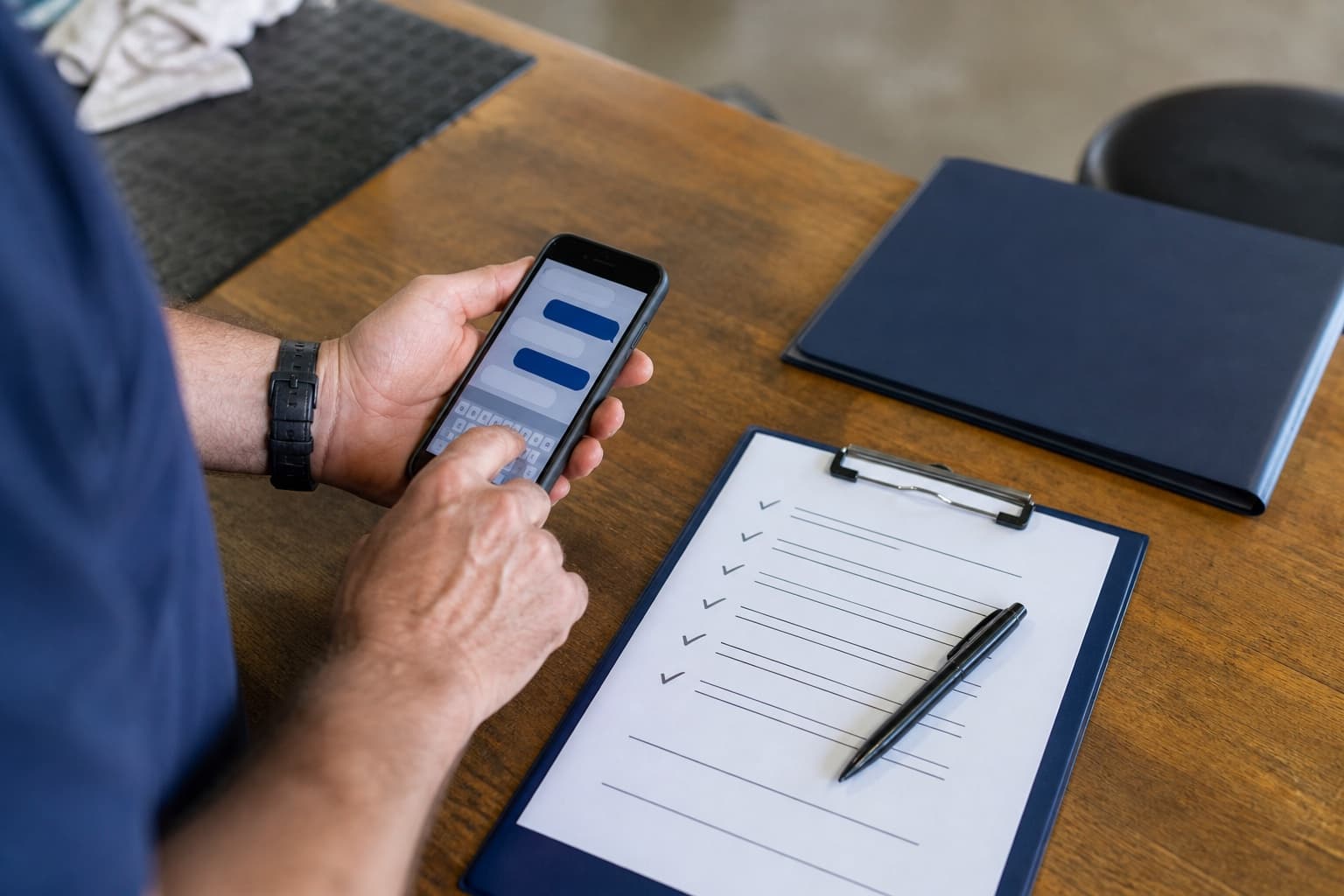
Text works well when the customer already used their phone to book, approve the work, or receive updates. Try this:
Hi [Name], thanks again for trusting us with [job or service]. If you have a minute, would you leave an honest Google review about the experience? It helps local customers know what to expect. [REVIEW LINK]
Or keep it even shorter:
Thanks again, [Name]. If you have a minute, here is the Google review link we mentioned: [REVIEW LINK]
Do not tell the customer what rating to choose. Do not write the review for them. If they ask what to mention, tell them to describe the work and their honest experience in their own words.
A short email request
Email fits projects with invoices, reports, or a longer closeout message. Use a clear subject line such as "Quick favor after [job or service]," then keep the note brief:
Hi [Name], Thanks for choosing us for [job or service]. If you have a minute, would you share an honest Google review? Your feedback helps other local customers understand what it is like to work with us. [REVIEW LINK] Thanks, [Name]
Keep the review request separate from a long sales email. If the customer must hunt for the link, fewer people will use it.
What to say face to face
The face-to-face ask does not need a pitch. Try this:
I'm glad we got that taken care of. I'll text you our Google review link. If you have a minute later, an honest review would help us.
Then stop talking. Do not make the customer praise the work while you stand there waiting.
If they say yes, send the link. If they do not respond, finish the conversation normally. A review request should not turn a good handoff into an awkward one.
Follow up once, then leave it alone
A customer may intend to leave a review and forget. One reminder is reasonable when it fits the existing conversation. Send it a few days later:
Hi [Name], just putting this back at the top of your messages in case it got buried. Here is the review link: [REVIEW LINK]. Thanks again for choosing us.
Do not keep sending reminders. The goal is a steady process, not pressure.
Ask every real customer the same way
Do not ask only the people you expect to leave five stars. That practice is often called review gating. It gives future customers a distorted picture and can create policy problems.
Use the same request process for customers who had a genuine experience with the business. Let them decide what to say.
If someone has an unresolved problem, work on the problem because it needs to be fixed. Do not use a private complaint form to keep that customer away from Google while sending happy customers to the public review page.
Google prohibits offering free or discounted goods or services in exchange for a review. Keep the request plain. You are asking for honest feedback, not buying a rating.
Turn the ask into a five-minute setup
You can build the process without buying software:
- Copy and test your direct Google review link.
- Choose the exact point when the job counts as complete.
- Decide who sends the request.
- Save one text message and one email.
- Allow one follow-up, then stop.
Put those steps into the same checklist you already use to close a job, send an invoice, or mark an appointment complete.
Then track the process, not just the star count. Check whether the request was sent. Note whether the link worked. Watch for a pattern over several weeks instead of judging the system after one quiet day.
Keep the request honest and easy
The best review request is not impressive. It arrives at the right time, comes from a familiar person, and takes the customer straight to the right place.
Pick the moment. Save the message. Send the link while the result is still fresh.
If you want help building the review process into the rest of your local search work, Find What's Costing You. I will show you what to fix first and what can wait.
Put the profile to work.
Helpful Google resources
- Google: Create a review link or QR code: Google's steps for sharing a direct review request.
- Google Maps policy on incentivized reviews: Google's rules for paid, biased, and selectively requested reviews.
- FTC guide to soliciting online reviews: Federal guidance for honest review requests and incentives.